The 30-Second AI Setting That Protects Your Small Business Data
Adjusting a single software toggle takes less than 30 seconds and stops commercial generative artificial intelligence tools from storing or training on your confidential company records.
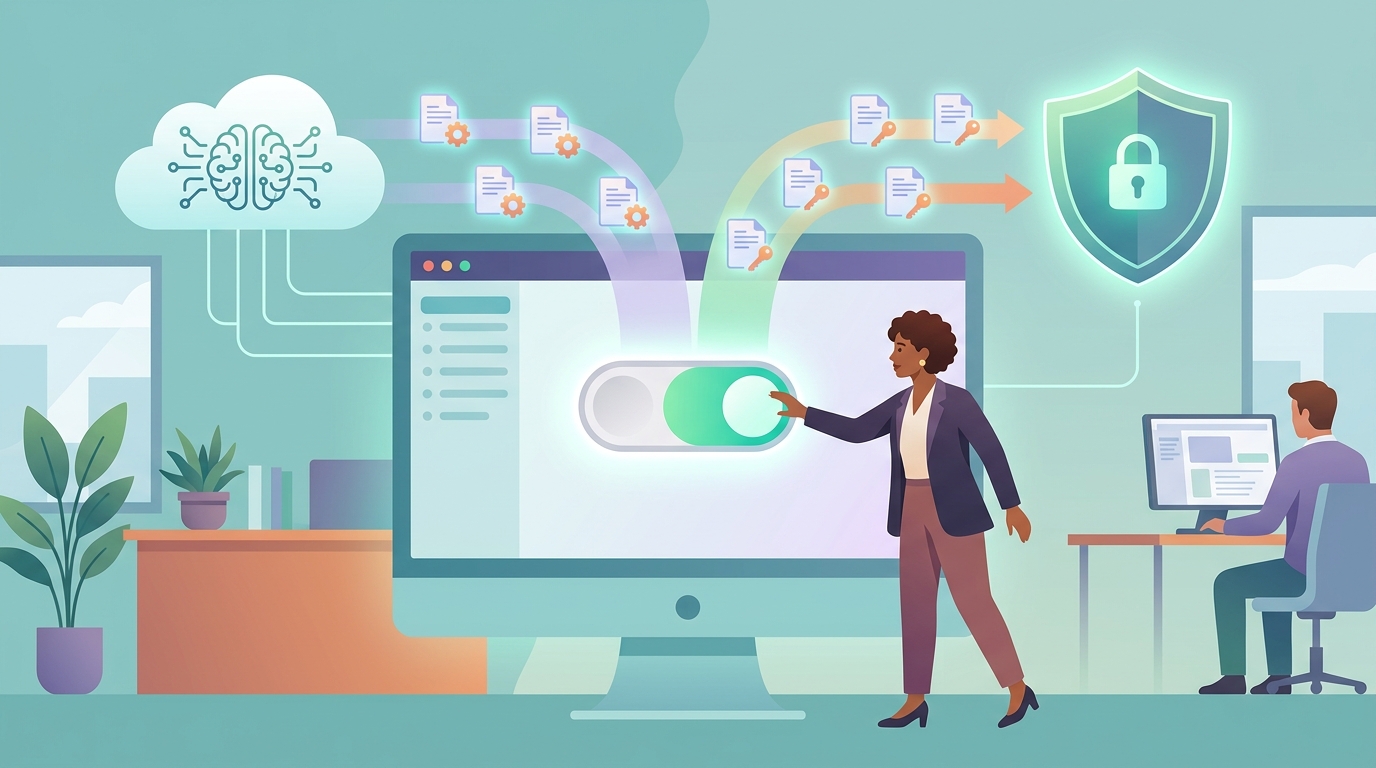
If your team uses artificial intelligence tools for drafting emails, analyzing spreadsheets, or writing customer response templates, your proprietary business data may be automatically absorbed into public training models. Changing a simple default setting takes roughly 30 seconds and keeps internal trade secrets, client files, and sensitive financial records private.
Federal regulatory bodies and risk management agencies recommend that small companies audit their software permissions immediately. Understanding where these switches are hidden prevents accidental disclosure of proprietary operations and ensures your enterprise stays compliant with basic data standards.
The Default AI Data Collection Menu Explained
Most commercial generative artificial intelligence software platforms ship with data-sharing enabled by default. When an employee pastes a customer roster, financial report, or operational strategy into a cloud prompt, the platform retains that input to train future model iterations unless the user actively opts out (Source 1). This retention policy is usually buried deep inside the user account settings menu under titles like Data Privacy, Model Improvements, or Usage Analytics.
Federal Trade Commission guidance for small businesses highlights that failing to control how employee data flows into third-party software can lead to unauthorized data exposure and compromise customer privacy guarantees (Source 1). A quick audit of company accounts reveals whether default data logging is active.
Deactivating this setting does not restrict the functionality of the artificial intelligence tool. It simply forces the vendor to process the text in real time without storing a copy on their external servers for future algorithmic training.
How Unchecked Inputs Lead to Unintended Model Training
When machine learning models incorporate real-world user queries into their base datasets, those inputs can surface in responses provided to external users. For instance, if an employee inputs proprietary software code or unannounced pricing structures into a standard chat prompt, that information effectively enters a public repository managed by the vendor.
According to the National Institute of Standards and Technology AI Risk Management Framework, managing data lineage and preventing unauthorized data ingestion is a critical governance requirement for organizations of any size (Source 2). Unchecked automated data collection creates continuous exposure points for sensitive intellectual property.
Businesses operating in finance, healthcare, legal services, or specialized contracting face amplified risk when staff members process client records through default accounts. Disabling training permissions stops automated ingestion at the entry point.
Applying the NIST AI Risk Framework to Small Business Workflows
The National Institute of Standards and Technology framework structures artificial intelligence risk into four core functions: Govern, Map, Measure, and Manage (Source 2). Applying this framework to a small business does not require dedicated technical departments or massive compliance budgets.
The Govern and Map stages focus on identifying every point where workers enter business records into automated applications (Source 2). Identifying these applications allows business owners to execute the 30-second configuration change across all staff accounts simultaneously.
By documenting which tools are active and enforcing local privacy settings, small firms satisfy basic risk mapping requirements without slowing operational output. The next critical step involves verifying how consumer protection rules govern these configurations.
FTC Guidelines on Protecting Proprietary and Customer Information
The Federal Trade Commission emphasizes that small companies must maintain clear oversight of all software systems handling consumer information (Source 1). If a company promises clients that their confidential data remains secure, but staff members routinely paste client information into unconfigured artificial intelligence tools, the business may face compliance issues.
FTC small business guidance advises firms to establish strict rules for administrative controls, employee training, and vendor monitoring (Source 1). Relying on default settings is rarely sufficient to meet these standard administrative practices.
Establishing a standard operating procedure that requires turning off model training upon creating any new software account ensures consistent privacy compliance across the entire workforce.
| Software Category | Default Setting Status | Adjustment Action Required | Est. Time to Execute |
|---|---|---|---|
| Public Web Chat Bots | Data Training ON | Toggle 'Improve the Model' OFF | 15-30 Seconds |
| Enterprise Cloud Suites | Varies by License Tier | Review Admin Security Console | 60-90 Seconds |
| Third-Party API Tools | Data Logging ON | Enable 'Zero Data Retention' Option | 30-45 Seconds |
Federal Support and USA.gov Resources for Technology Management
Small enterprises seeking guidance on technology adoption and regulatory requirements can access federal assistance portals. USA.gov serves as the official portal connecting small business owners to federal agency resources, compliance advice, and technical guidance programs (Source 3).
Through programs listed on USA.gov, business leaders can find free educational workshops regarding cybersecurity best practices, vendor contract evaluation, and software setup routines (Source 3). These resources help non-technical owners navigate changing cloud management standards.
Utilizing federal technology checklists allows leadership to evaluate vendor terms before purchasing software subscriptions, ensuring enterprise privacy controls are active before onboarding team members.
Step-by-Step Procedure to Complete the 30-Second Toggle
Completing the privacy configuration involves a quick, uniform sequence across most major commercial cloud applications:
- Log into the software account using your administrative credentials.
- Click on your user profile icon in the lower-left or upper-right corner and select 'Settings' or 'Preferences'.
- Navigate to the section labeled 'Data Controls', 'Privacy', or 'Model Performance'.
- Locate the toggle named 'Improve the model for everyone' or 'Allow data training' and switch it to the 'OFF' position.
- Confirm the setting change if prompted by the platform.
Once completed, the platform continues to process active requests while preventing inputs from being stored in long-term machine learning repositories. Applying this rule universally prevents accidental data exposures.
Avoiding Governance Errors Across Mobile and Cloud Tools
A common mistake occurs when small business owners change privacy settings on desktop browsers but neglect mobile applications or secondary plugin extensions. Many artificial intelligence services maintain independent settings for mobile app environments, requiring users to repeat the configuration process on handheld devices.
Additionally, when businesses utilize software integrations through application programming interfaces (APIs), data retention policies differ from web interfaces. Reviewing terms with assistance from FTC business guides ensures all access points remain covered (Source 1).
Regular quarterly reviews of software account settings keep your business aligned with recommended NIST safety framework protocols while protecting trade secrets from unintended public exposure (Source 2).
Does turning off model training reduce the quality of AI responses?
No. Disabling model training prevents the service provider from saving your prompts for long-term algorithmic development, but it does not diminish the speed or quality of immediate responses provided to your team.
Is the 30-second privacy adjustment required by federal law?
Federal guidance from agencies like the FTC mandates that businesses protect sensitive customer and business data, but specific setting rules depend on your industry and data handling commitments (Source 1).
Where can small business owners find assistance with technical compliance?
Official portals like USA.gov direct small business owners to federal assistance programs, technical guides, and small business development centers offering technology support (Source 3).
Sources
- Small Business Computer Security and AI Guidance — Federal Trade Commission
- AI Risk Management Framework — National Institute of Standards and Technology
- Small Business Resources and Services — USAGov
This article is for general information only and is not professional advice. Figures come from public sources and change over time; check the official source before you act.
More from Real Money Net
- The $12,000 Deposit Mistake You Make With Local Builders
- Cut $5,000 Off Construction Bids With This Quick Tax Verification
- Contractors Keep Hiding This $3,000 Clause In Your Local Bids
- How Your ZIP Code Unlocks $10,000 Construction Savings Today
- The $840 Mistake You Make Before Buying New Insurance
- The Simple IRS Form That Cuts Your Bills by $610